


If you’re keen to become an outdoor leader but are finding it hard to commit to a full week, you can start here by learning the theory online at your own pace and with the support of 4 online sessions. You can then book onto one of our 3-day, in-person practical sessions to gain the full Woodland Activity Leader Training qualification.
Navigating the Online WALT Course
The Online WALT course content is divided into lessons and topics. As you progress through the course material, you can mark it as ‘Complete’, to keep track of what you have and have not done.

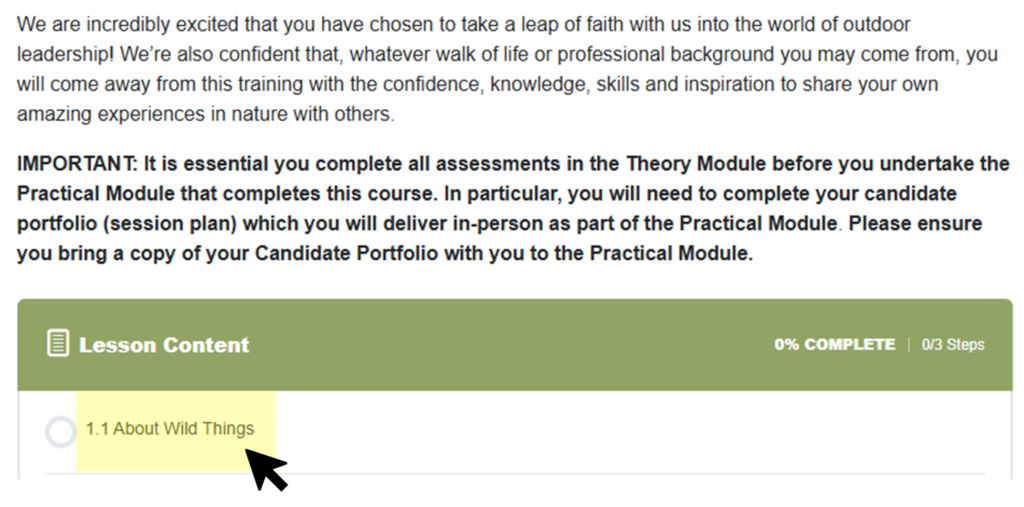
Under the course content, click into the first lesson.
Once you have made your way through the lesson page, you can enter into the lesson’s topics either at the bottom of the page (as shown, or in the navigation pane at the right side of the page.
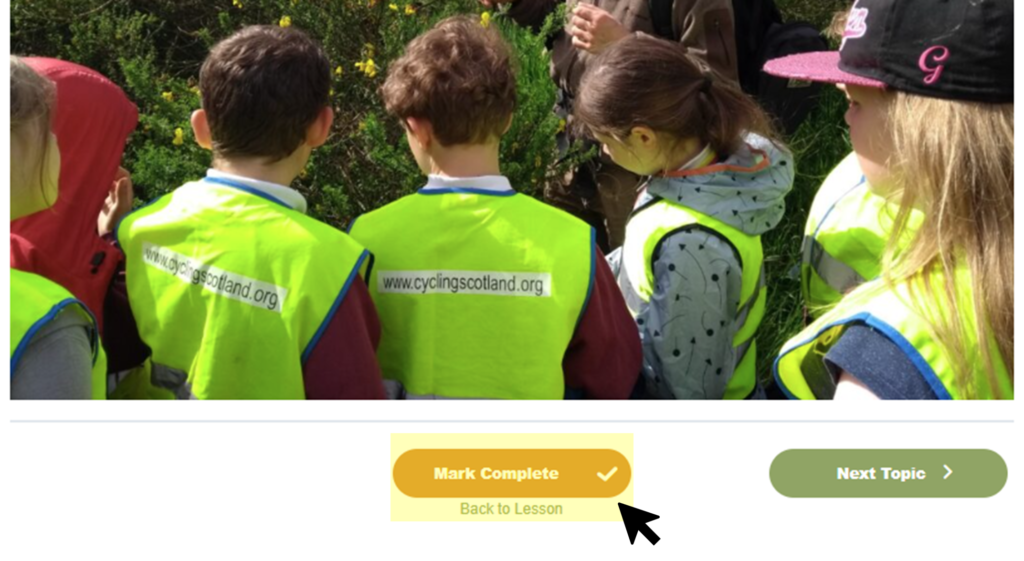
At the end of each topic page, you will see a ‘Mark Complete’ button, clicking this will mark the topic as finished, and automatically take you onto the next topic.
Once you click ‘Mark Complete’ on the final lesson, you will be taken back to the lesson page, where you can now mark the lesson as complete.
If that lesson contains an assessment, you may need to navigate back to the lesson page to mark it as completed.
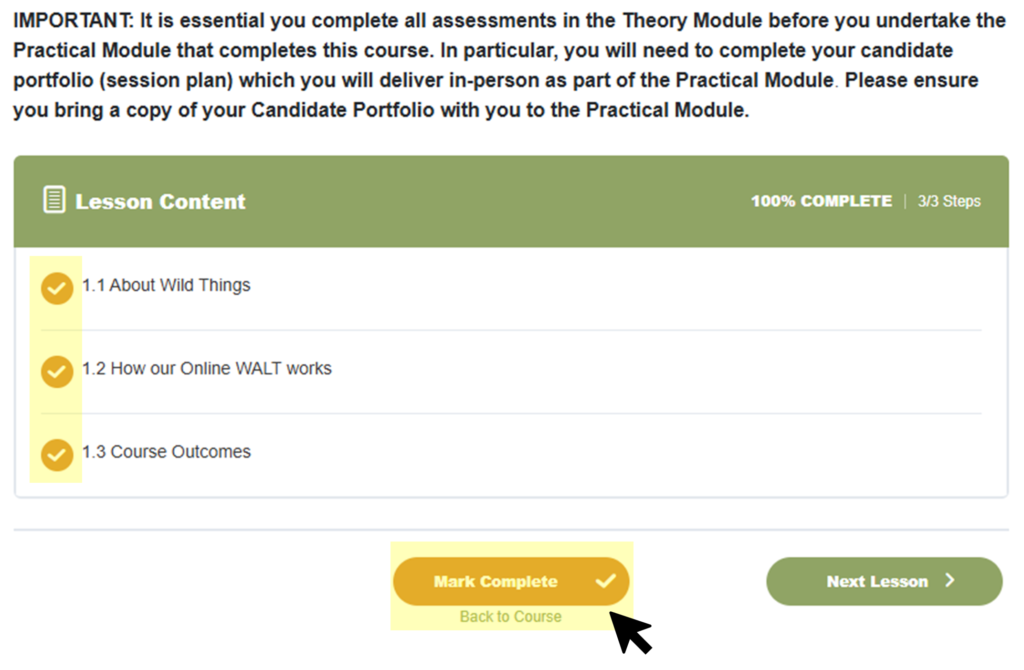

Having completed the lesson the Course Content box will show the lesson as complete, showing a tick.
If you have completed all the topics and assessments within a lesson, but the lesson isn’t showing a tick, you will need to go back to the lesson page and click the ‘Mark Complete’ button at the bottom of the page.
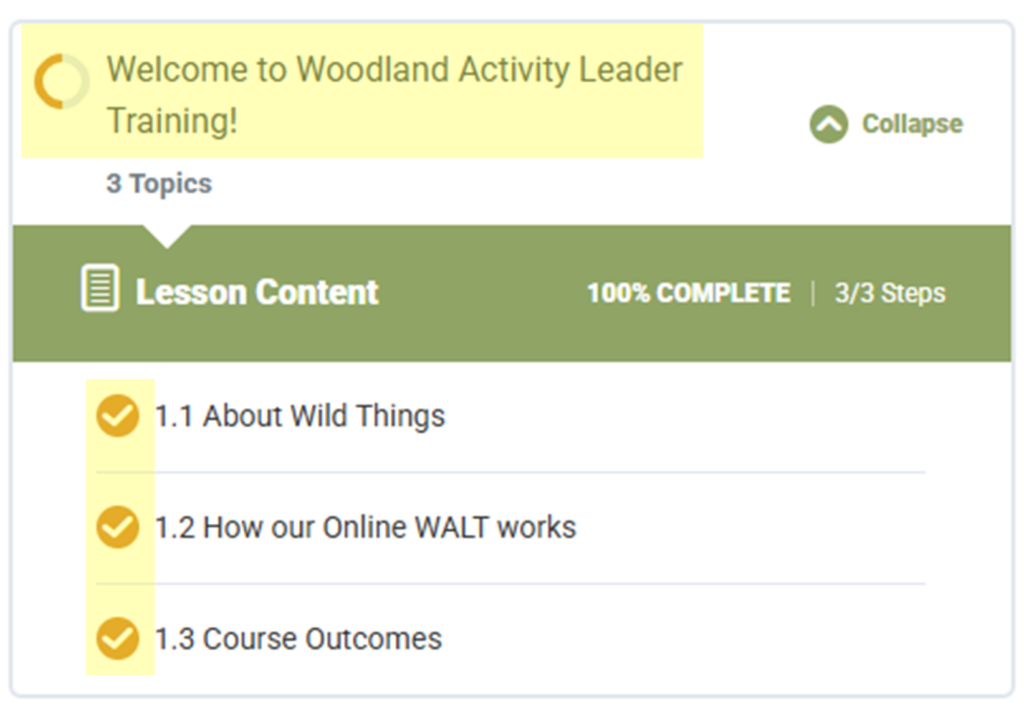
Course Content

We're grateful to all our funders